 Maker
MakerYes. Describe your idea in our request form. Our team handles the design and modelling and asks you for any missing details.
HavnCraft Maker · Made for beginners
Turn photos into a custom 3D printed object
Start a custom 3D model or print from photos and a description. We review the shape, measurements and feasibility, then prepare a preview and quote.
01No modelling skills
02Preview before payment
03Printed and delivered
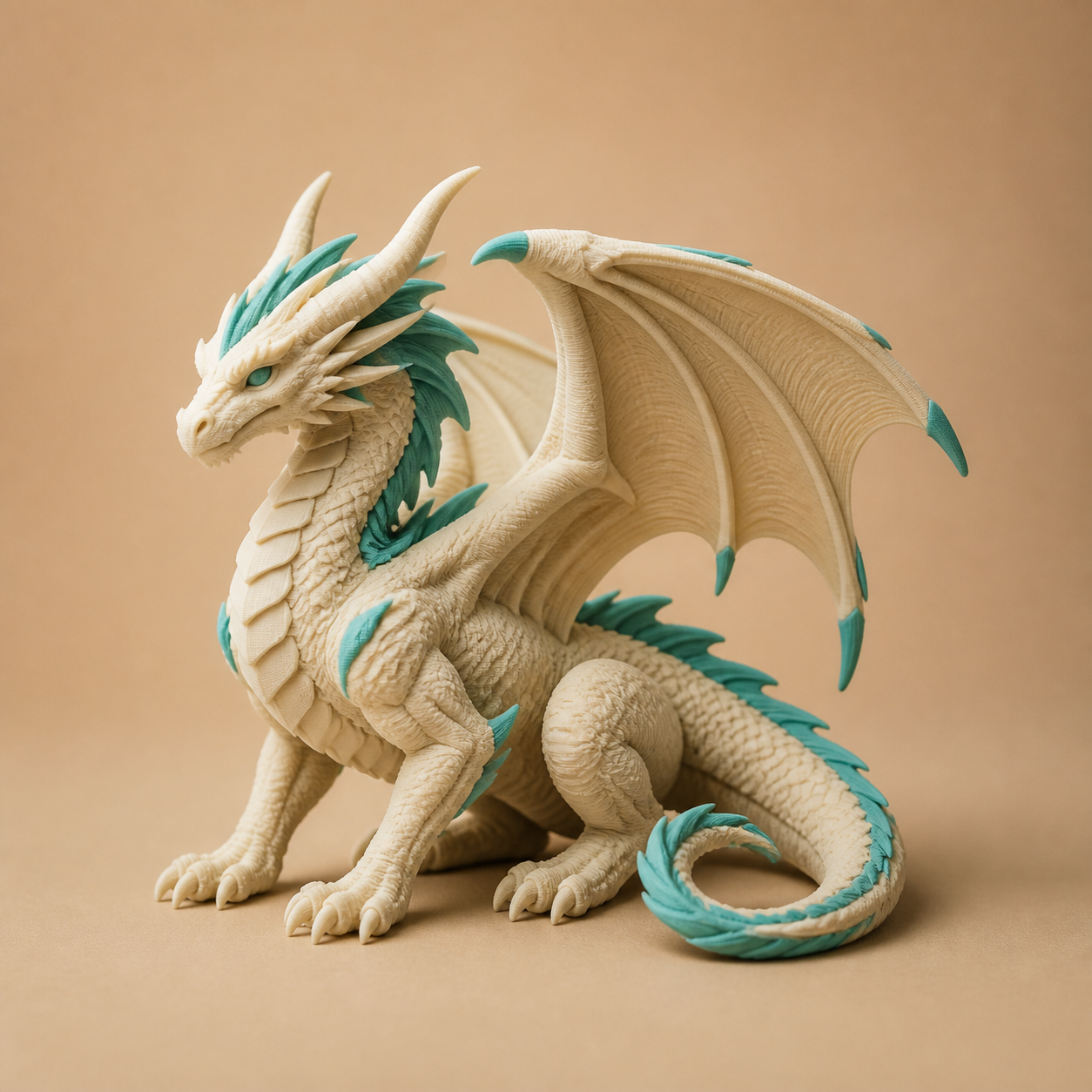
Example: custom figurine
Checked by a real person
Size, walls, supports, material, colour and finish checked before production.
Questions before you start
Frequently asked questions
No card is needed for the assisted request form. Design, modelling, printing, shipping and tax are explained in the quote before you pay. Optional self-service AI tools use Maker tokens.
Yes. One sample, one STL print, one replacement part, or one gift is welcome.
No. HavnCraft Maker is set up for one-off parts, samples, and small runs.
Often, yes. Upload clear photos with a ruler or calipers, fit notes, and the surfaces that must be accurate.
Yes. Photo-to-3D works best for decorative pet objects, reliefs, gifts, logos, and keepsakes.
Models: STL, 3MF, OBJ, STEP/STP and AMF. Photos: JPG, PNG and WebP. Drawing references also accept PDF and SVG. Each upload field shows its supported formats.
Yes, for suitable models. Tell us the colours you want and our team will check the available materials and printable details before confirming your quote.
It depends on size, print time, material, support risk, design work, shipping, and tax. You approve the quote before production.
Yes. We support Toronto, Mississauga, GTA/Ontario, Canada-wide, and US online orders.
Current stocked Maker materials are PLA and PLA Matte. Other materials remain listed as out of stock until restocked.
No. We do not certify food-safe, medical, baby-safety, weapon, vehicle-critical, climbing, or human-load parts.
Print fit
What we can print
Good fits for our current X2D setupPLA and PLA Matte display parts, gifts, figurines, nameplates, prototype enclosures, appliance knobs/covers, light-duty brackets, pet photo objects, and custom electronics enclosure samples that fit the X2D build volume.
Safety limits
What we cannot print
Not offered as certifiedFood safety, medical devices, baby safety products, weapons, automotive/aviation/climbing/human-load parts, electrical-safety certified enclosures, hot-car/high-heat PLA parts, or high-precision industrial gears.